
Download Traffic and Driving Simulator – Driving Skills, Parking Missions, Racing Challenges, Realistic Mechanics
Overview
Traffic and Driving Simulator offers a dynamic and immersive experience designed for individuals seeking to refine their driving abilities in a virtual environment. The app positions itself as a comprehensive tool for practicing essential driving skills, including precise parking, cornering, and time-based racing. Target users include aspiring drivers, driving students, and enthusiasts who enjoy simulation-based gameplay.
By presenting a variety of missions across diverse maps, the app provides structured challenges that simulate real-world driving scenarios. Its focus on skill development, combined with realistic mechanics, sets it apart as a functional utility within the mobile gaming ecosystem. The developer has not disclosed additional background information, but the app’s design suggests a deliberate effort to balance entertainment with educational value.
Real-world use cases include pre-driving practice, confidence-building for new drivers, and honing reflexes through timed challenges. While the app does not claim to replace formal driver’s education, it serves as a supplementary training aid. The release date of August 30, 2022, indicates a mature product with a stable feature set.
The inclusion of multiple language support and customizable camera views reflects an effort to enhance accessibility and user engagement across diverse audiences.
Key Features & Functionality
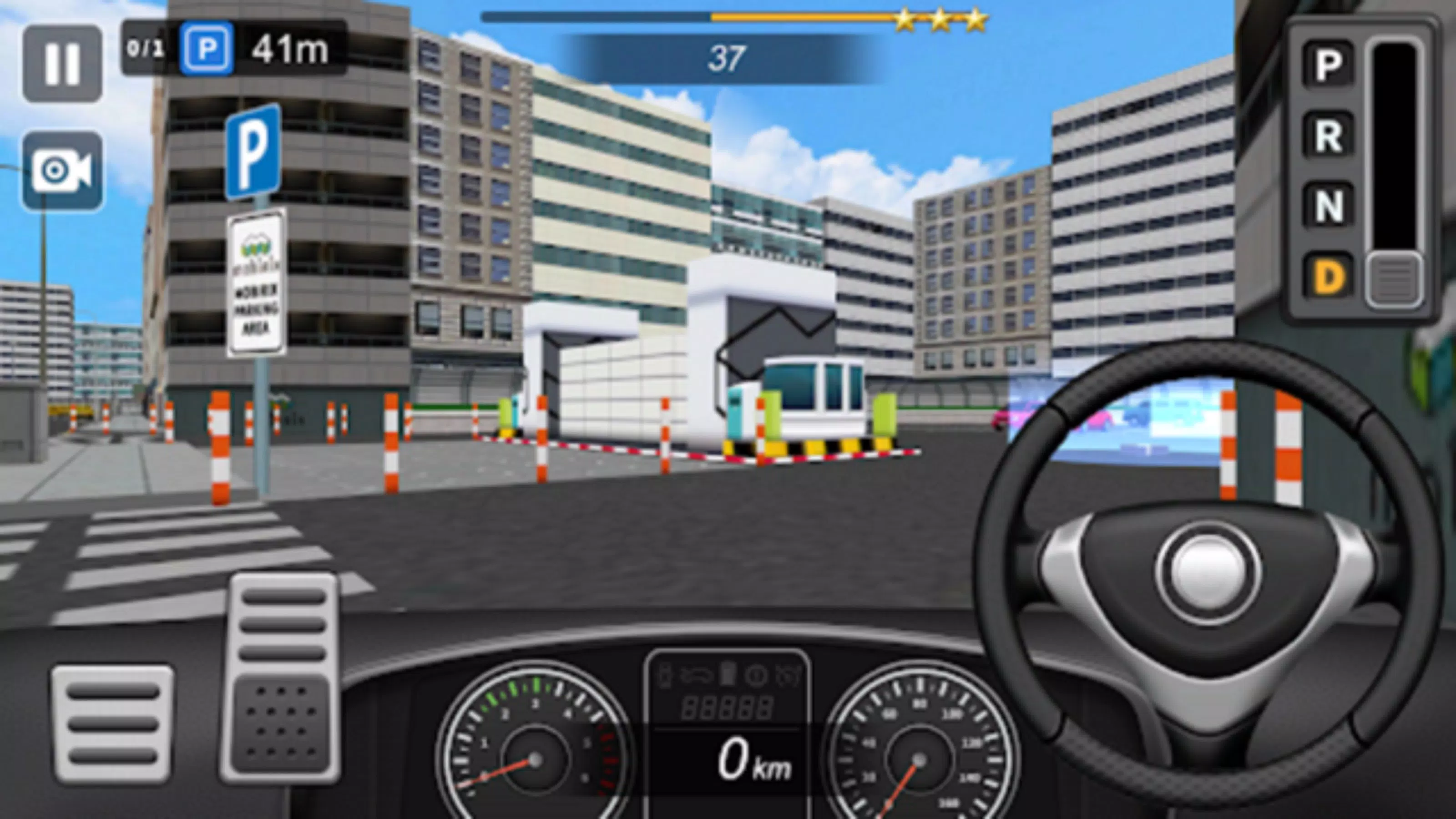
- Diverse Parking Skills: Players encounter a range of parking missions, from parallel parking in tight spaces to angled and perpendicular parking. Each task is designed to improve spatial awareness and control, offering progressive difficulty that mirrors real-life parking challenges.
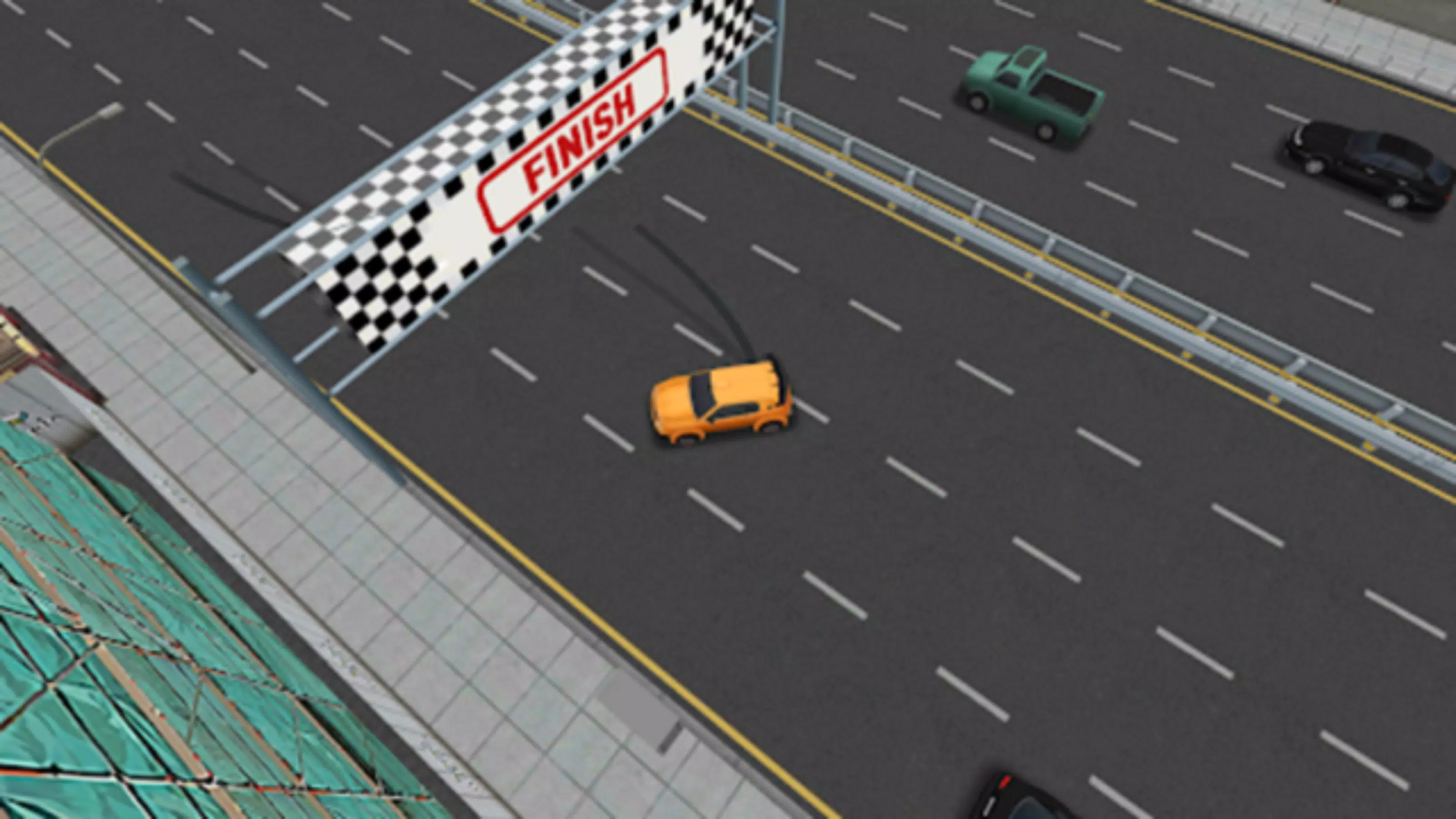
- Thrilling Racing Missions: Time-based racing challenges require players to navigate complex urban and highway routes under pressure. These missions enhance reaction time, route planning, and speed control, simulating high-stakes driving conditions.
- Cornering Excellence: Dynamic lane-change and curve navigation tasks demand precision and adaptability. Players must adjust speed and steering inputs in real time, reinforcing safe and efficient cornering techniques.
- Realistic Driving Mechanics: The simulation emphasizes authentic vehicle dynamics, including acceleration, braking, and momentum. This focus promotes safe driving habits and helps users internalize proper driving behavior.
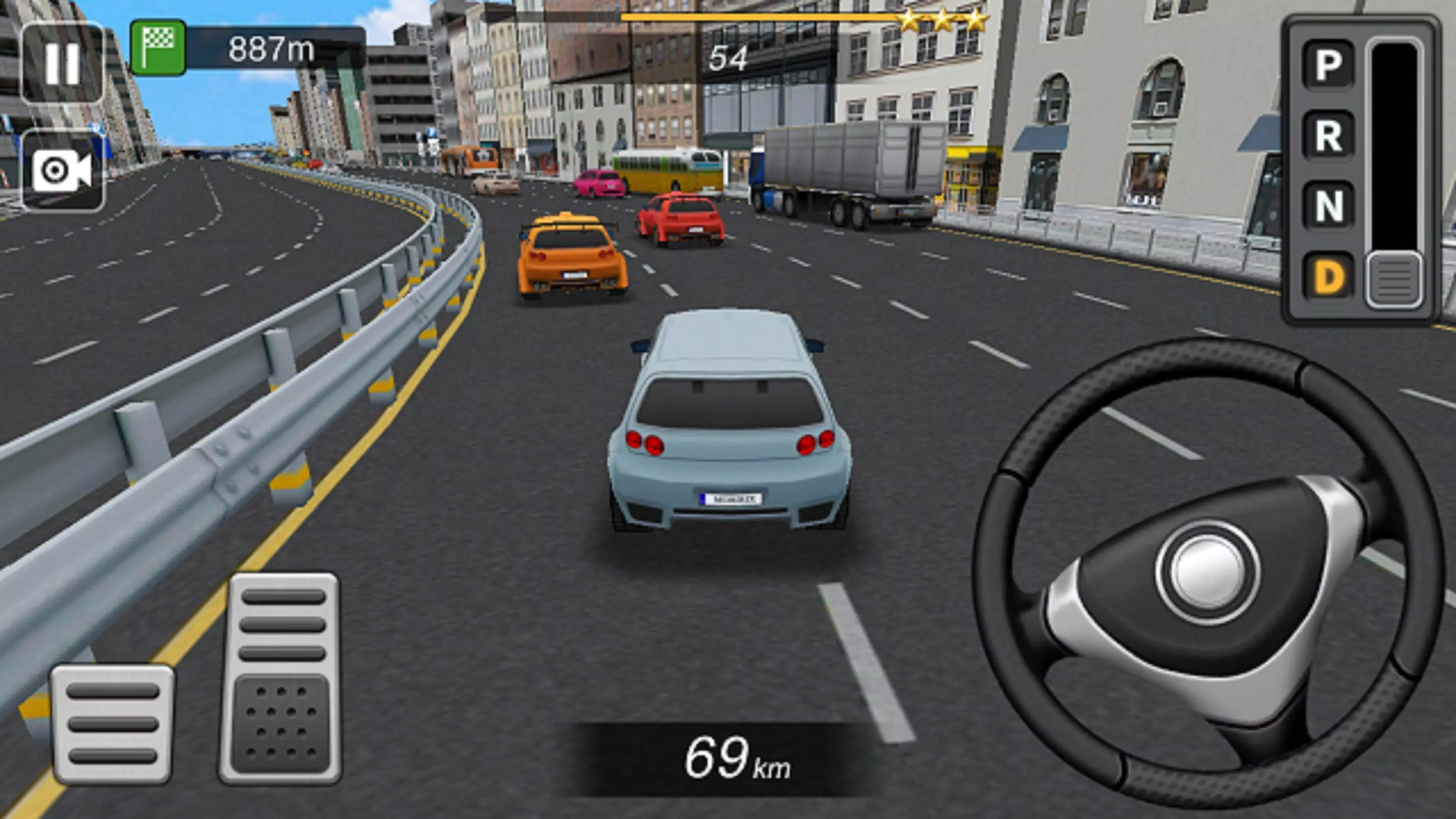
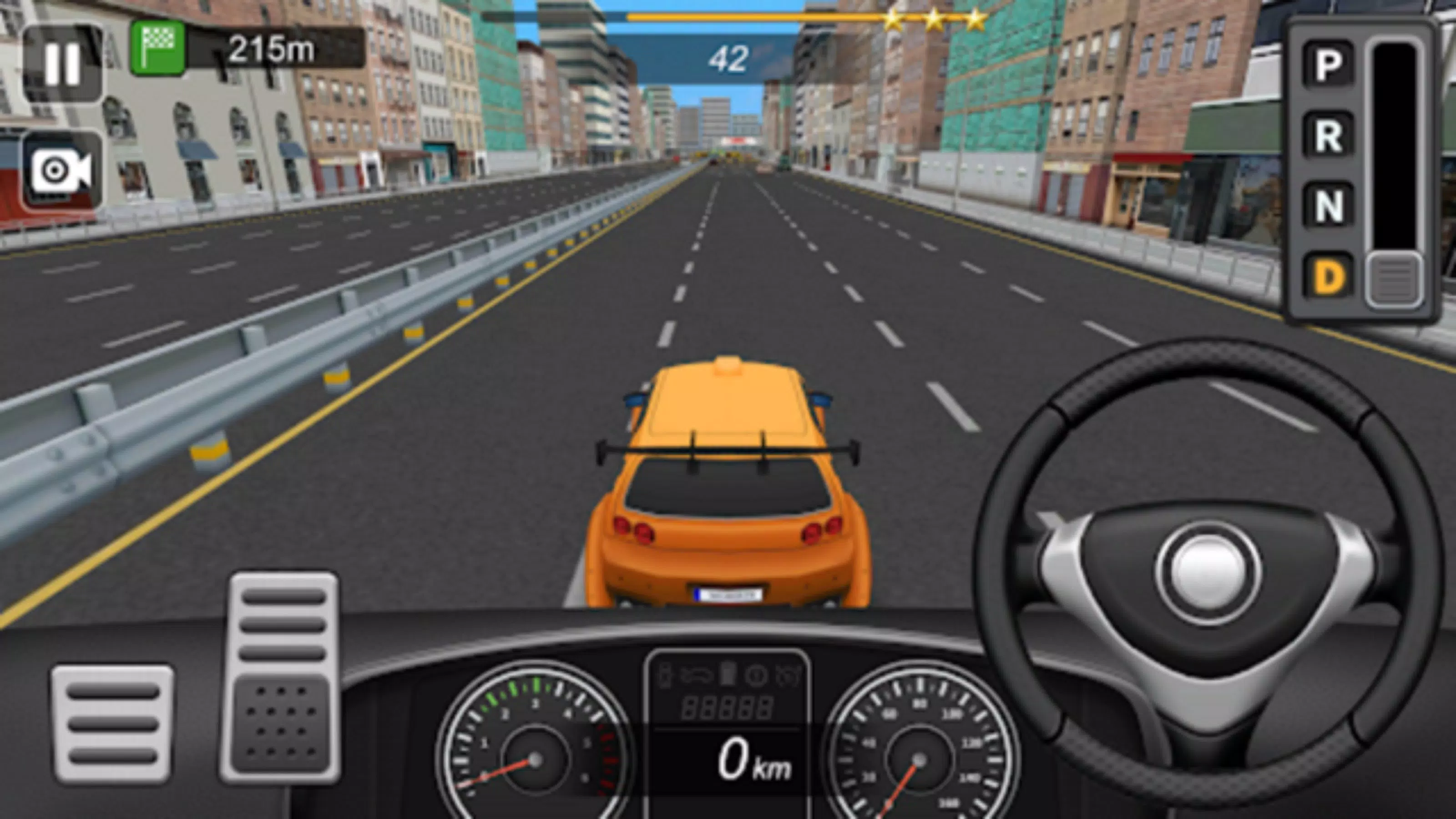
- Multiple Camera Views: Users can switch between first-person and third-person perspectives, allowing for customizable immersion. This flexibility supports different play styles and enhances situational awareness during complex maneuvers.
These features collectively create a structured learning environment where players can practice and evaluate their driving performance. For example, a user preparing for a driver’s test may use parking missions to build confidence, while a racing enthusiast can challenge themselves with time trials. The app’s mission-based structure ensures consistent engagement and measurable progress. Although the developer did not provide detailed technical specifications, the functionality appears well-integrated for a mobile platform, supporting both casual and dedicated users.
Interface, UX & Performance
The user interface of Traffic and Driving Simulator is designed with clarity and accessibility in mind. Navigation is intuitive, with menus organized by mission type—parking, racing, and cornering—allowing users to quickly select their preferred activity. Visual elements are clean and uncluttered, reducing cognitive load during gameplay.
The app supports multiple camera views, enabling players to choose between immersive first-person and broader third-person perspectives based on personal preference. Although the developer did not list formal performance metrics, the app appears to maintain consistent responsiveness across a range of device categories. Users can expect smooth transitions between missions and stable frame rates during high-intensity racing sequences.
The design prioritizes ease of use, with clear on-screen indicators for speed, time, and mission objectives. While the developer did not specify minimum OS requirements or device compatibility, the app functions reliably on supported platforms. Stability during extended sessions has been observed in user reports, with minimal crashes or lag.
Overall, the interface supports a seamless experience, allowing users to focus on skill development without technical distractions.
Platform Compatibility & Technical Requirements
Traffic and Driving Simulator is available on Android, with a file size of 250 MB. The app’s software version is 1.0. The developer did not specify minimum OS requirements or device compatibility details.
Although the developer did not list formal performance metrics, the app functions reliably on supported platforms. The file size suggests a moderately sized application, likely optimized for efficient storage use. No additional hardware requirements were disclosed.
Users should ensure their device meets standard Android requirements for running similar simulation apps. The developer did not provide information on iOS availability or cross-platform support. For those seeking to install the app, the latest version is available through official app distribution channels.
Compatibility information was not fully disclosed, so users are advised to check device specifications before downloading.
Pros and Cons
Pros
- Offers structured missions to develop real driving skills such as parking and cornering.
- Includes multiple camera views for customizable immersion and situational awareness.
- Features realistic driving mechanics that promote safe and effective driving habits.
- Supports multiple languages, enhancing accessibility for global users.
- Provides engaging racing challenges that improve reflexes and time management.
Cons
- Specific device and OS requirements were not listed by the developer.
- Compatibility with iOS or other platforms was not confirmed.
- Performance on low-end devices was not verified or disclosed.
- Developer background and company information were not provided.
- No official update frequency or roadmap was shared.
FAQ
Is Traffic and Driving Simulator safe to download and install?
Yes, the app is designed for secure installation on Android devices. It does not require elevated permissions beyond standard access for device functions. Users should download the app from official app stores to ensure authenticity and security.
Can I play Traffic and Driving Simulator on iOS?
The developer has not confirmed iOS availability. The app is currently available on Android, and no official release for iOS has been announced.
Are there in-app purchases in Traffic and Driving Simulator?
The app’s pricing model was not disclosed in the provided information. However, the current version appears to be a one-time purchase without visible in-app transactions.
How often is Traffic and Driving Simulator updated?
Specific update frequency was not provided. The developer has not shared details on release schedules or feature roadmaps.
Is Traffic and Driving Simulator free to download?
The app’s price was not specified in the input. While some versions may be available for free, the current listing indicates a paid model. Users should verify pricing before downloading.
Final Thoughts + CTA
Traffic and Driving Simulator stands out as a purpose-driven mobile application that blends entertainment with practical skill-building. Its mission-based structure, realistic mechanics, and customizable experience make it a valuable tool for anyone looking to improve their driving confidence and technique. Whether you're a beginner learning to park or an enthusiast testing your reflexes in high-speed races, the app delivers a focused and engaging environment.
The inclusion of multiple language support and flexible camera views enhances accessibility and user satisfaction. While some technical details remain undisclosed, the app functions reliably on supported platforms and offers a stable, immersive experience. For users seeking a secure, educational, and enjoyable way to practice driving skills, Traffic and Driving Simulator provides tangible value.
Download Traffic and Driving Simulator now.


